Top 7 Hidden Causes of Poor Indoor Cellular Coverage
Why your building can appear fully connected while users still struggle to make calls, send messages, or access data.
Poor indoor cellular coverage is one of the most frustrating problems for building owners, IT teams, and network operators.
What’s even more frustrating is that many of these issues aren’t immediately visible. Traditional monitoring tools may report that the network is operating normally, while employees, visitors, or customers continue to experience dropped calls, slow data speeds, or unreliable connectivity.
In many cases, the problem isn’t a complete network failure—it’s a hidden issue that only affects the real mobile user experience.
Here are seven of the most common causes of poor indoor cellular coverage that often go unnoticed.
1. Distributed Antenna System (DAS) Misconfiguration
A Distributed Antenna System (DAS) is designed to extend cellular coverage throughout a building, but like any complex infrastructure, it requires correct configuration.
Incorrect gain settings, amplifier configuration, carrier provisioning, or software changes can significantly reduce RF performance without generating obvious alarms.
The result?
Users experience inconsistent coverage despite the DAS appearing healthy from a management perspective.
Because these issues often develop gradually, they can remain undetected until users begin reporting problems.
2. Fibre Faults Within the Building
Many indoor wireless networks rely on fibre connections between head-end equipment, remote units, and antennas.
A damaged fibre cable, degraded optical connection, or intermittent link can reduce network performance in a specific area without causing a complete outage.
Instead of losing coverage entirely, users may notice:
- Slower data speeds
- Increased latency
- Poor voice quality
- Intermittent service
These partial failures can be particularly difficult to diagnose because traditional monitoring may only detect complete link failures.
3. RF Interference
Modern buildings are crowded RF environments.
Cellular networks often operate alongside:
- WiFi networks
- Private LTE and 5G systems
- Building automation systems
- Public safety radio systems
- Nearby macro cell sites
Interference from these systems can reduce signal quality even when signal strength appears strong.
Users may see full signal bars while experiencing poor throughput, failed calls, or inconsistent connectivity.
Signal quality—not simply signal strength—is often the real indicator of network performance.
4. Carrier Network Issues
Not every connectivity problem originates inside the building.
Each mobile network operator has its own infrastructure, spectrum allocation, and backhaul network.
It’s entirely possible for:
- AT&T to perform perfectly
- Verizon to experience degraded performance
- T-Mobile to suffer increased latency
—all within the same building at the same time.
Without testing every carrier individually, these issues can easily be mistaken for problems with the building’s wireless infrastructure.
5. Poor Antenna Placement
Indoor environments constantly evolve.
Offices are renovated.
Walls are added.
Shelving is moved.
Equipment rooms are relocated.
Unfortunately, the wireless network often isn’t updated to reflect these changes.
An antenna that once provided excellent coverage may now sit behind new partitions or serve a completely different space than originally intended.
The result is uneven coverage, dead zones, and inconsistent user experiences despite the underlying DAS equipment functioning correctly.
6. Building Changes That Impact RF Performance
Buildings themselves have a significant impact on wireless signals.
Common changes that reduce indoor coverage include:
- New low-emissivity (Low-E) glass
- Additional concrete walls
- Metal shelving
- New elevators
- Warehouse racking
- Mechanical equipment
- Solar window film
Even relatively small structural modifications can alter RF propagation and create unexpected coverage holes.
Without ongoing monitoring, these issues often remain hidden until users begin to complain.
7. Macro Network Fallback
One of the most difficult issues to detect occurs when mobile devices quietly abandon the indoor DAS and reconnect to an outdoor macro cell.
From the user’s perspective, everything initially appears normal.
Their phone still shows service.
However, performance often drops dramatically because the device is now communicating with a distant outdoor cell rather than the building’s dedicated indoor infrastructure.
These transitions can lead to:
- Lower signal quality
- Reduced throughput
- Increased latency
- Dropped voice calls
- Poor application performance
Traditional monitoring systems rarely identify these events because the DAS itself may continue operating normally.
Without monitoring the mobile user’s actual experience, these hidden transitions can persist for extended periods.
Why Traditional Monitoring Often Misses These Problems
Many network management systems focus primarily on device health.
They monitor whether equipment is online, whether alarms have been generated, and whether individual components are functioning as expected.
While this information is valuable, it doesn’t answer the most important question:
Can users actually use the network?
A healthy DAS doesn’t always guarantee a great mobile experience.
Users interact with signal quality, latency, throughput, handovers, and carrier performance—not simply hardware status.
That’s why organisations increasingly complement traditional monitoring with continuous RF performance testing that measures the network from the end user’s perspective.
Detect Problems Before Users Do
The most effective wireless teams don’t wait for complaints.
Instead, they continuously test the network exactly as a mobile device would.
By monitoring key performance indicators such as SINR, RSRP, RSRQ, RSSI, throughput, latency, and carrier-specific performance, it’s possible to identify gradual degradation long before it becomes a customer issue.
Continuous testing can also detect:
- DAS-to-macro transitions
- Carrier-specific performance degradation
- RF interference
- Coverage changes following building modifications
- Repeatable issues during busy periods or large events
Rather than reacting to user complaints, operations teams gain the visibility needed to investigate and resolve issues proactively.
How AirScan Helps
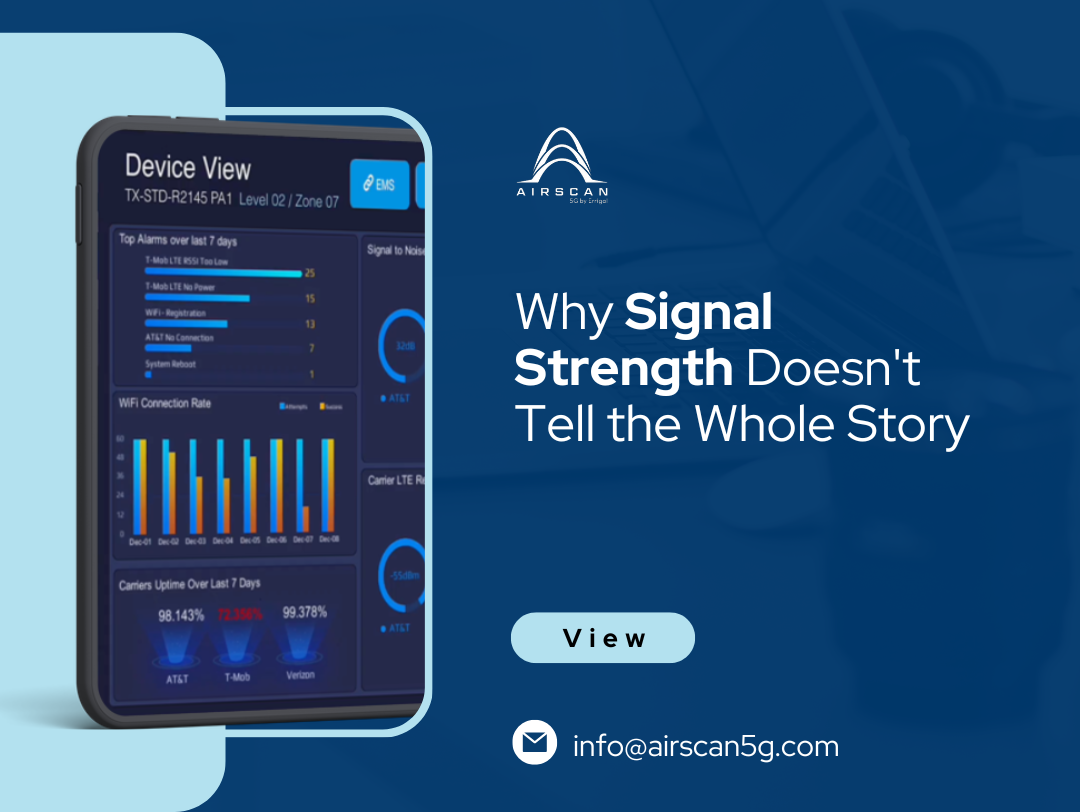
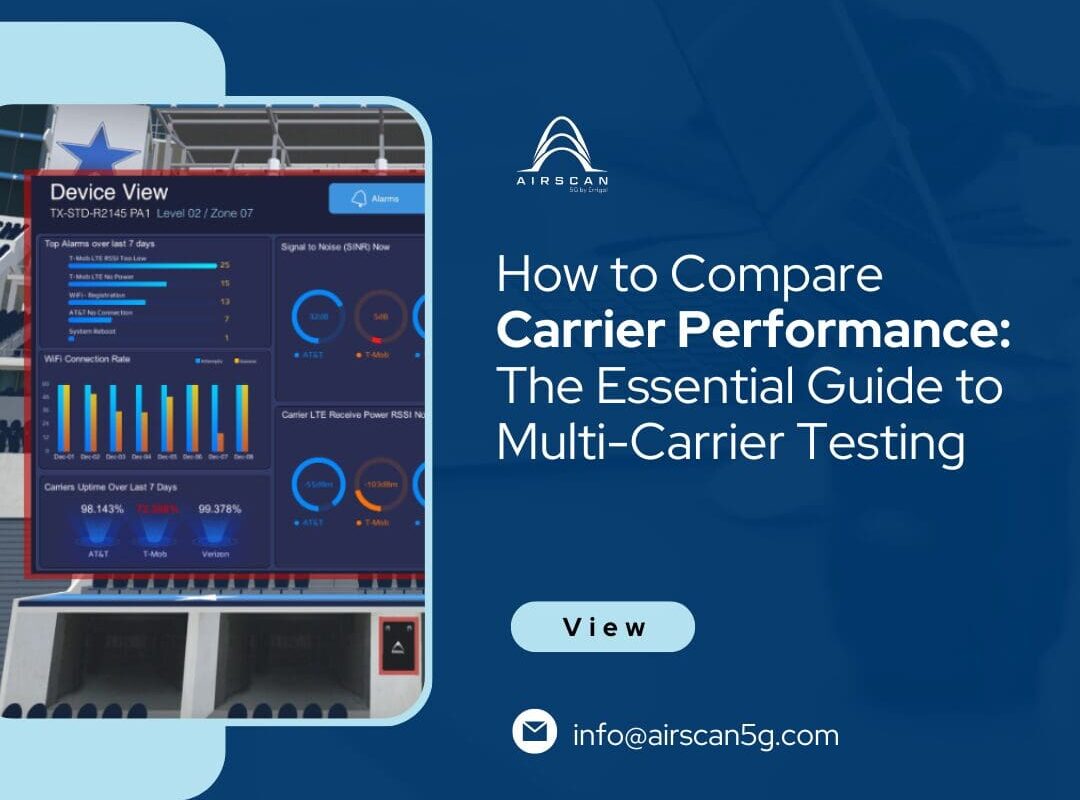
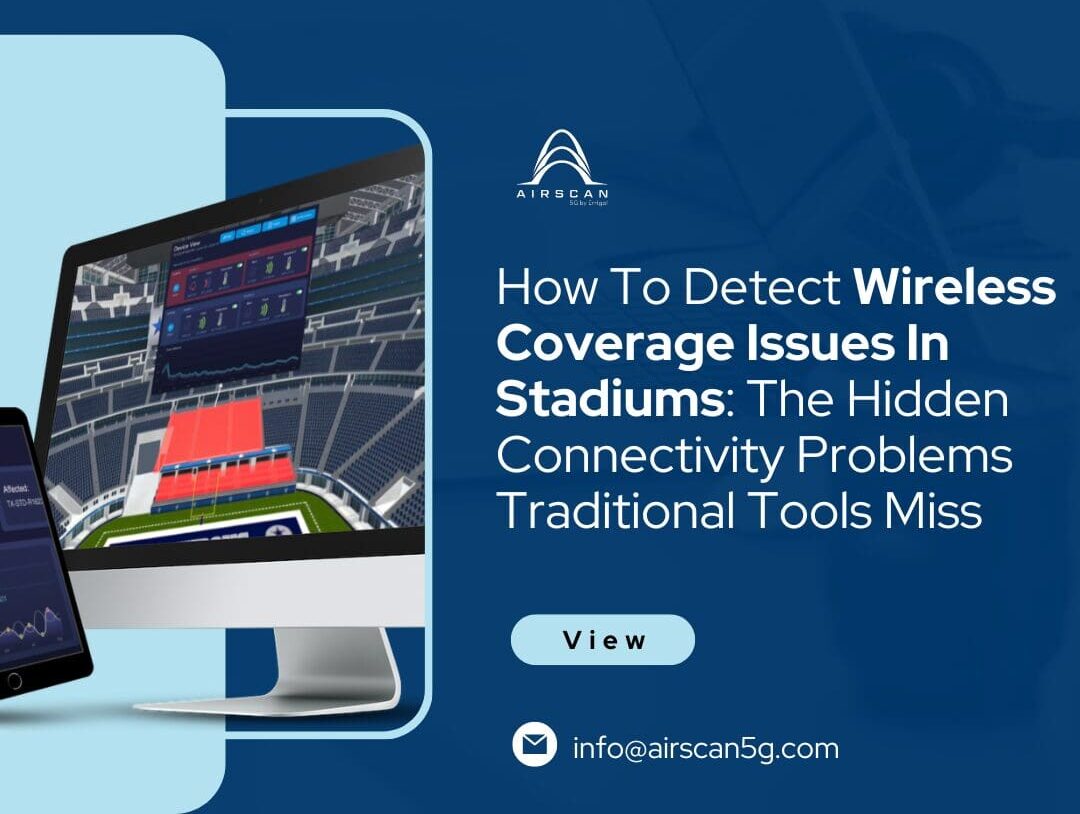
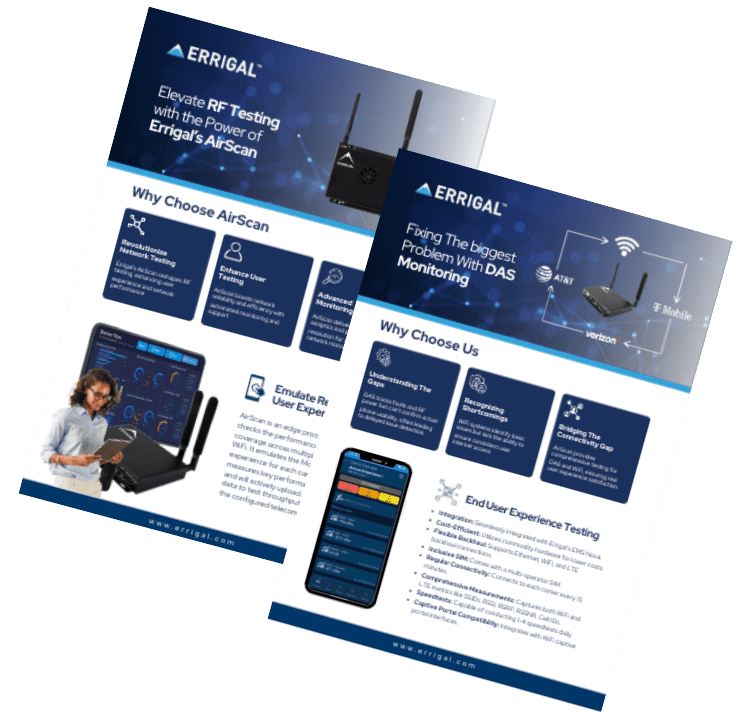
AirScan continuously monitors the real mobile user experience by emulating how smartphones connect to cellular and WiFi networks. Instead of relying solely on infrastructure alarms, it measures real-world performance across multiple carriers, tracking metrics such as signal quality, throughput, latency, and PCI transitions between DAS and macro networks. When performance drops below defined thresholds, AirScan can automatically generate alerts or tickets, helping operations teams investigate and resolve issues before they affect building occupants.
Final Thoughts
Poor indoor cellular coverage isn’t always caused by obvious network failures.
More often, it’s the result of subtle issues that develop over time—misconfigurations, interference, building changes, carrier-specific problems, or hidden transitions between indoor and outdoor networks.
By moving beyond traditional infrastructure monitoring and continuously measuring the real mobile experience, organisations can identify these problems earlier, reduce downtime, and deliver the reliable connectivity that today’s buildings demand.